eZUS (PUE ZUS) account in Poland: how to register, e-visit guide
Short answer: You can open an eZUS account through login.gov.pl, a qualified signature, or a ZUS e-visit or office. Contribution payers must have one since 1 January 2023. ZUS e-visits last up to 20 minutes and can be booked online.
Most Polish social insurance matters now run through one online account: eZUS, also called PUE ZUS. Sickness benefits, care allowances, family benefits and many certificates are applied for there. This guide summarises ZUS's own pages on registering an account and booking an e-visit (a video appointment with a ZUS employee). Most of those pages show no date, apart from the one on the payer obligation, which is dated 1 January 2023, so confirm details with ZUS before you act.
What eZUS is for
ZUS describes eZUS as its electronic services portal. Many of the benefits covered elsewhere on this site, such as the sickness benefit, care allowance and the Aktywny rodzic benefits, are applied for through it, and the decision appears on your eZUS profile. The account is always created for a natural person, according to ZUS.
Three ways to register
The ZUS registration page offers three ways to open an account:
- Through login.gov.pl, confirming the account online with a trusted profile (profil zaufany), online banking, the mObywatel app, an e-ID card (e-Dowód) or eID.
- With a qualified electronic signature, a certificate assigned to a specific person.
- By e-visit or a visit to a ZUS office, confirming the account during a video call with a ZUS employee or at the office.
The ZUS registration steps say that if you register through login.gov.pl, your personal data are filled in automatically in the form and cannot be edited. If you have no electronic signature and no access to login.gov.pl identification methods, the page tells you to choose the e-visit or office option.
What you enter in the form
An older ZUS help page on registering a profile "without trust" lists the data you provide: first name, surname, date of birth and PESEL number. If no PESEL number has been assigned, you give the type, series and number of your identity document instead. You also give a mobile number and an email address, and you repeat them for verification. You set a password of at least 12 characters, with upper and lower case letters, digits and special characters, and it cannot contain your name, PESEL or date of birth. Both contact channels are verified with a code that is valid for 10 minutes. After registration, a message with your login is sent to the verified channel. That help page is undated, so check the current form.
The same help page says that an unconfirmed profile has limited access and you cannot log in. To use all features, you must confirm it, by a video call with a ZUS employee or by going with an ID document to the nearest ZUS unit within 7 days. The ZUS employee checks the data against your document.
Payers and business owners
ZUS says that since 1 January 2023, every contribution payer must have an eZUS account, including people who pay contributions only for themselves and small firms that settle contributions for up to 5 people. A payer can authorise a representative, for example an accountant, and does not need to create a separate account if they do. The page says sole traders automatically get the payer role if the data in the new profile match their payer registration, for example NIP and PESEL.
How to book an e-visit
ZUS says you can book an e-visit on zus.pl, and also from your eZUS account, the mZUS app and mObywatel. If you book through eZUS or the mobile apps, your data are filled in automatically.
The booking form asks for your first name, surname, email address and the postal code of your home, or of your company's seat if you are a payer. The phone number is optional. You can choose a topic area, including benefits and sick leave, domestic pensions, firms and employees, setting up an eZUS account and family benefits, relief and cancellation of debts, and foreign pensions. You pick a time slot, agree to the data processing and recording notice, and receive an email with the link. The page says an e-visit lasts up to 20 minutes, you get a reminder email the day before, and a text message an hour before if you gave a phone number. You can cancel a booking.
Before the e-visit
ZUS lists these requirements:
- A computer with a camera and microphone, or a smartphone, with an internet connection.
- A camera with at least 1280 by 720 resolution.
- A quiet place, not a public one where other people can appear on camera, with a neutral background and a well-lit face.
- Your identity document, which you show to the camera when you ask about your own case.
A third person can join if you agree during the call. You can only act for someone else if their power of attorney is registered with ZUS.
What an e-visit can do
According to the booking page, in an e-visit you can get general information on the law, learn how to fill in and submit applications, use a pension adviser, use an adviser on relief and cancellation of debts, and apply for some certificates.
Help from ZUS
The ZUS registration page gives a helpline, 22 560 16 00, and the email [email protected], open Monday to Friday, 7:00 to 18:00.
What the sources do not say
The pages do not describe special rules for foreigners, other than the option to register with a document type and number if you have no PESEL. They do not say whether a foreign identity document can be used for the login.gov.pl methods. Ask ZUS about your case.
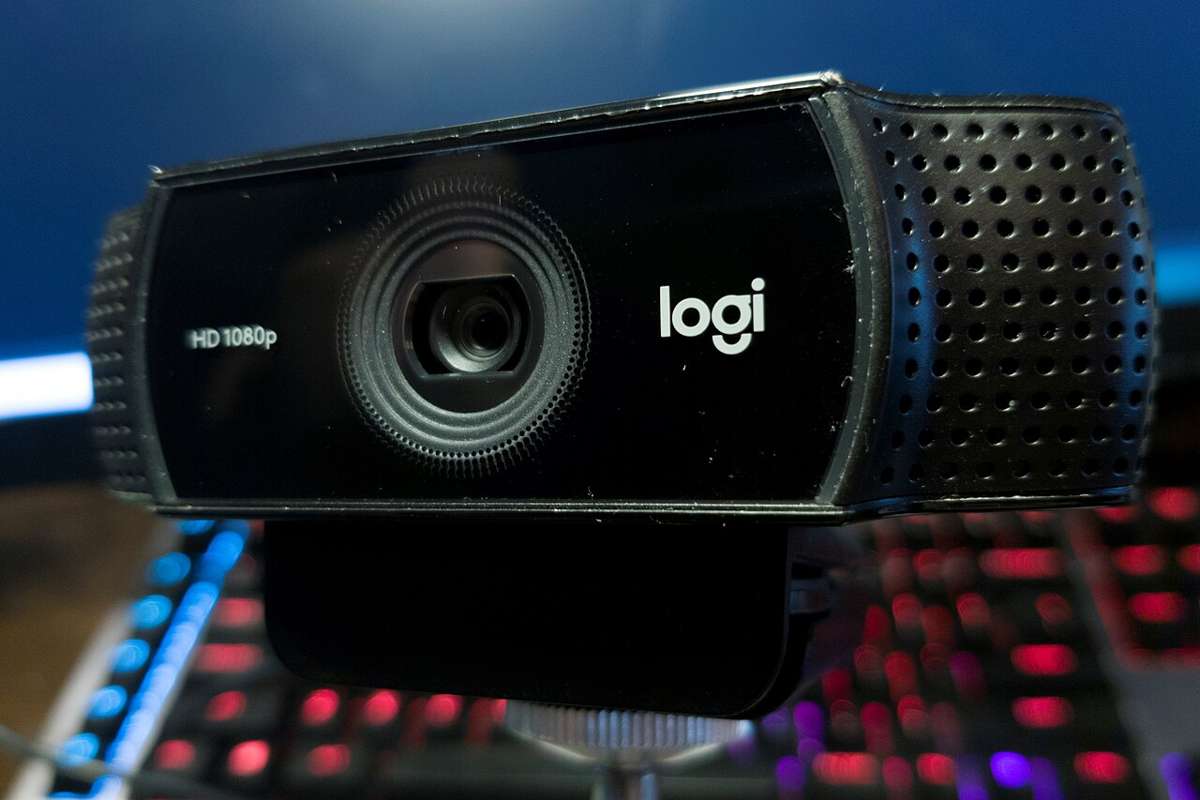
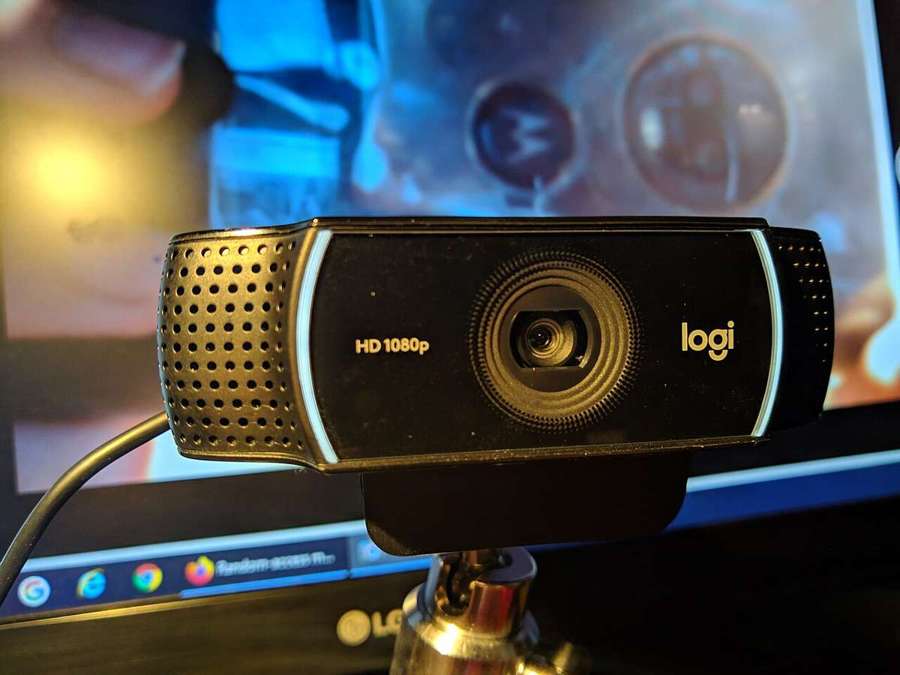
* Photos: Logitech C922 webcam and a USB webcam (both CC0, Wikimedia Commons), used as illustrative images only.
Frequently asked questions
How do I register for eZUS?
According to ZUS, through login.gov.pl, with a qualified electronic signature, or by confirming the account in an e-visit or at a ZUS office.
Can I register without a PESEL number?
An older ZUS help page says you give the type, series and number of your identity document if no PESEL has been assigned. It is undated, so confirm with ZUS.
Do I have to go to a ZUS office?
Not necessarily. You can confirm the account online or in a video e-visit, which ZUS says lasts up to 20 minutes.
Who must have an eZUS account?
Since 1 January 2023, every contribution payer, including sole traders and small firms, according to ZUS.