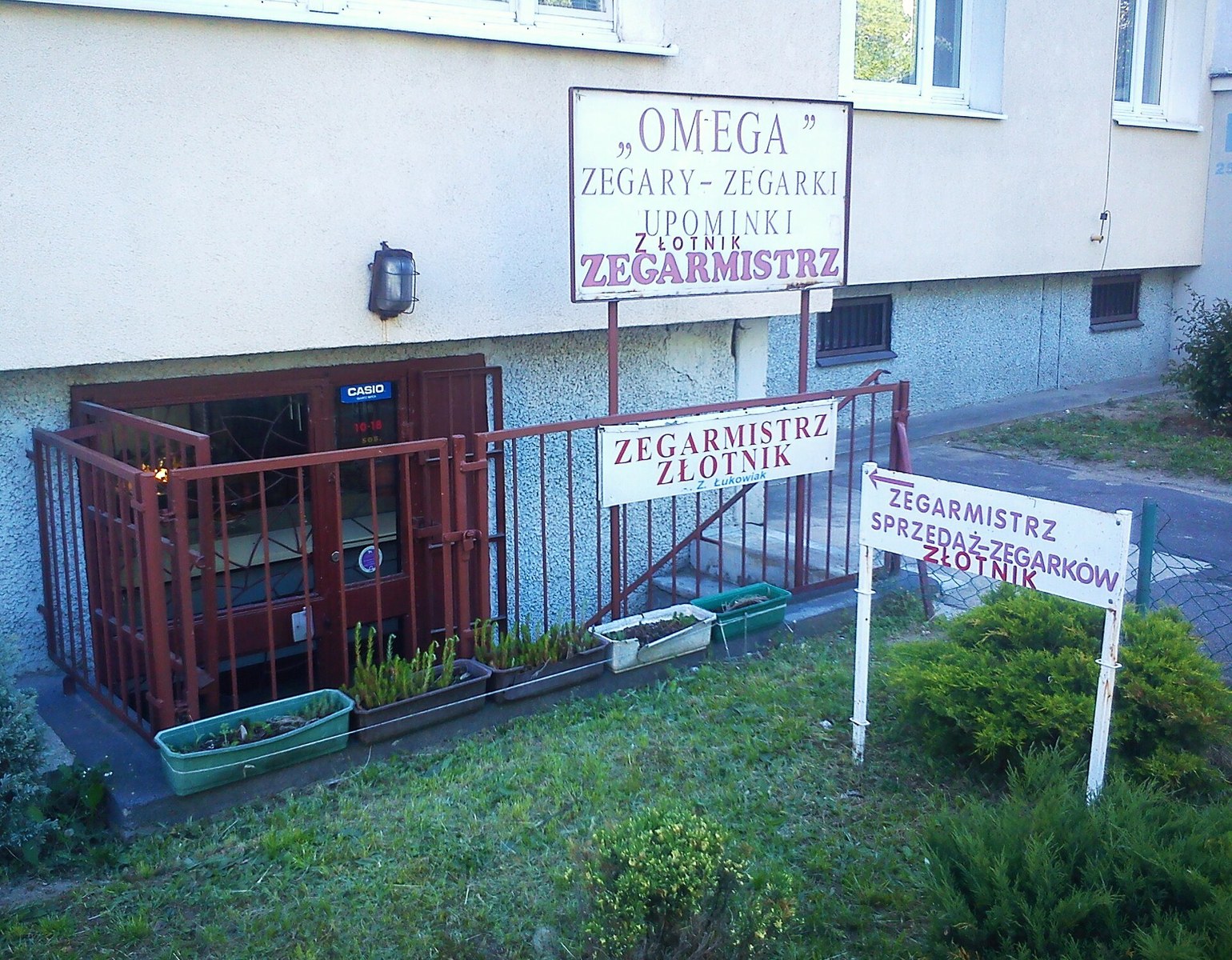
Printing and Scanning in Poland: How to Use a Ksero Shop
The essentials: Search for punkt ksero. Specify printing, copying or scanning; give the page count, copies, colour, paper size and sidedness. Confirm the gross total and check a sample. The receiving organisation decides what document format it accepts.
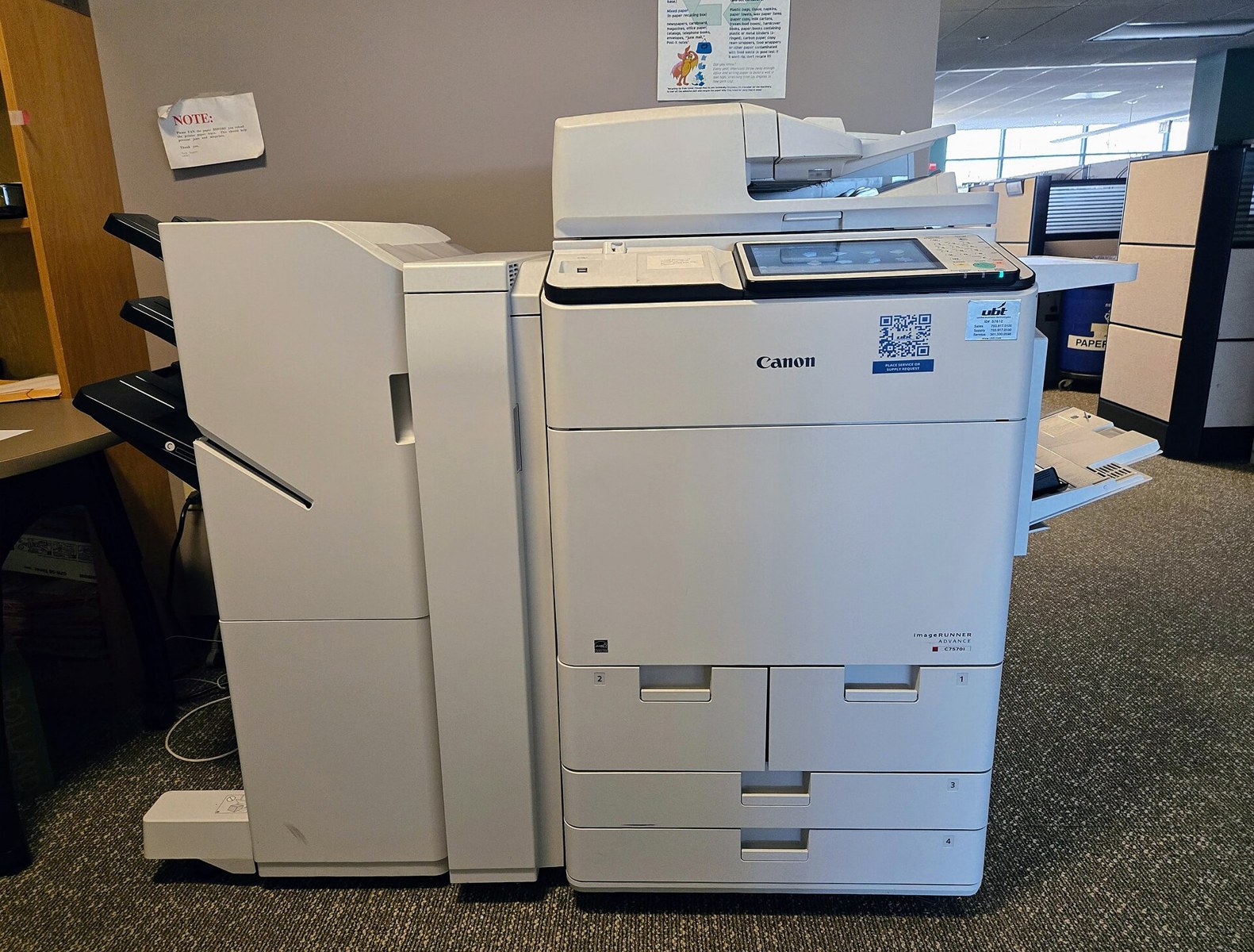
Cover: Canon photocopier, illustrative equipment photograph, not a machine at a business listed below. Baron Maddock / Wikimedia Commons, CC BY 4.0. Resized.
Polish paperwork has a way of creating a printing errand just when you do not have a printer. You may need a form on paper, a readable scan of several pages, or a second copy of a signed agreement. The familiar sign to look for is ksero. It usually points you toward copying services, but confirm whether the shop also prints digital files and scans documents.
This guide is about arranging an ordinary print or scan job, not deciding what a public office will accept. The receiving office, university, employer or other organisation sets its document requirements. Ask it first if you are unsure about originals, certified copies, colour, signatures or electronic submission. A clean printout is only useful if it is the right version in the right form.
Ksero, wydruk and skanowanie
Ksero means a photocopy in everyday use: you bring a paper original and receive a paper copy. Wydruk is a printout from a file. Skanowanie is scanning a paper document into a digital file. Punkt ksero is a copy shop, while drukarnia can describe a print business with a wider range of production services. Explain the output you need rather than relying on the sign alone.
For ordinary documents, useful words include czarno-biały, black and white; kolorowy, colour; jednostronnie, single-sided; and dwustronnie, double-sided. Kartka is a sheet of paper, while strona is a page or printed side. That distinction matters when checking a price: ten sheets printed on both sides can mean twenty charged printed pages.
Nobendo's Warsaw page states that it charges per printed side and gives that double-sided example explicitly. Do not assume every shop uses identical wording or a particular discount. Specify the number of document pages, the number of copies and whether both sides of each sheet should be used. Ask for the total before the job starts.
Prepare one final file
Use a clearly named final version and open it on your own device before sending it. Check the page count, orientation, accents in Polish names, dates, signatures and whether any page is unexpectedly blank. If the document contains tables or a page that must be printed at a particular size, say so. Do not send several similarly named versions and expect the operator to decide which is correct.
A PDF is a useful way to show the intended page layout, but still inspect the preview at the shop. A password, unusual page size or mixed orientation can change how a job is handled. Tell the operator if some pages should remain in colour or if only a specific range is needed. Ask for one sample page before a large run, especially when text is small or important details sit close to the edge.
If you need help editing, converting or rearranging the file, ask about that service separately. Printing a finished document is a different task from fixing its layout. Do not assume a per-page printing charge includes design work, typing or assembling material from several messages. Give the operator a specific instruction and agree any preparation charge first.
Check scaling instead of automatically choosing Fit
Adobe's Acrobat guidance, updated on 22 October 2026, distinguishes the main settings clearly. “Fit” enlarges or reduces a page to fit the printable area of the selected paper. “Actual size” prints without scaling, but content that does not fit may be cropped. “Shrink oversized pages” reduces larger pages without enlarging smaller ones. None is automatically right for every form or drawing.
For an application form, ask the receiving organisation whether any print-size requirement applies. For a plan, pattern or other scale-dependent document, show the operator the required dimensions and check a known measurement on a sample. Do not assume that selecting A4 paper preserves the size of everything inside the PDF. The file's page size and the printer's scaling setting are separate things to confirm.
Look at the sample for missing borders, cut-off text, rotated pages and faint grey information. If a QR code or barcode is involved, preserve the source file and avoid unnecessary resizing or image compression. Ask the recipient about its requirements rather than taking a copy shop's ability to print the page as confirmation that a particular system will accept it.
Published prices: count sides and check VAT
The following examples come from businesses' own pages checked on 27 October 2026, not a national price survey. Nobendo lists A4 black-and-white printing at 1.50 zł per side for 1-10 pages and 0.90 zł for 11-50 pages. Its page says the quantity is the total number of printed pages in the order and that it has no minimum order. Confirm the final specification and total for your own job.
Olebright in Kraków publishes an A4 black-and-white copy entry of 0.20 zł, but its page says the displayed prices are net and are increased by 23% VAT. It also distinguishes paper weight, quantity and page coverage, and calls the prices indicative and subject to individual quotation. Comparing that number directly with another shop's final retail total would be misleading.
Fabryka Kopii's large-format page lists both a displayed price and a net price for some entries, with different products for line drawings and filled areas. Xerodruk's price page links to a price list labelled as effective from 15 September 2026. These are reminders to read the conditions of the actual product, not to select the smallest number on a search page. Ask for a gross total, including paper, finishing, preparation and any delivery.
For a small urgent job, also ask whether opening a file, scanning, emailing or binding is charged separately. For a large job, confirm whether the quantity rate applies to every page or only pages beyond a threshold. Do not calculate a total from an ambiguous table and assume the business has agreed to it. Get the amount written down before approving the print run.
Scanning: agree the output, not only the page count
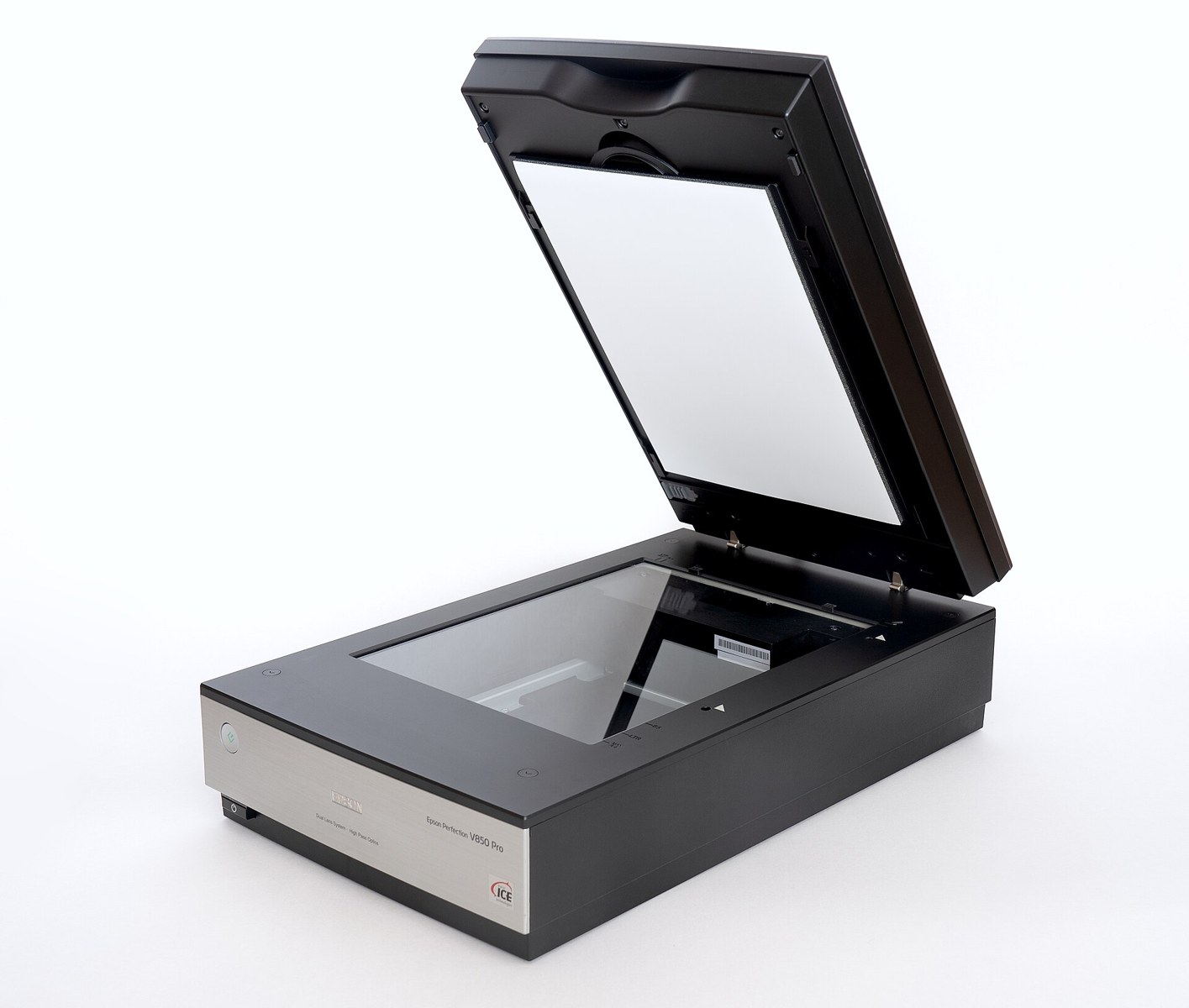
For a multi-page document, say whether you want one PDF or separate files. Confirm page order, colour, orientation and any size limit imposed by the upload destination. If searchable text is needed, ask whether text recognition is included, and check its accuracy. A scan can look readable while still having pages missing, edges cut off or a file too large for the intended submission.
Nobendo's scanning page advertises PDF delivery by email or to a customer's USB drive. It lists 0.50 zł per scanned page with a minimum charge of 2 zł and says multiple pages can be saved in one file. That is one operator's published service, not a guarantee of equivalent terms elsewhere. Ask about your original document's condition and whether it can safely be fed through a machine.
Before leaving, count the returned originals and open the resulting file. Zoom into the smallest relevant text and check every page, including backs, attachments and stamps that matter. Keep your original document secure. If a scan is intended for a formal process, confirm the recipient's rules on file type and original presentation rather than relying on the scan alone.
Choose a sensible file-transfer route
Some shops accept email, USB drives or files shown on a phone; Nobendo lists all of those options on its printing page. Confirm the chosen branch's own route before sending anything. A business with several locations may use different inboxes. Verify the destination from the business's current page or in person, not from an address supplied in an unrelated message.
Send only the document needed for the job, not an entire folder of bank statements or a mail thread containing unrelated information. Do not sign into your personal email, banking or cloud account on a shared counter computer just to find a file. Prepare the exact file on your own device instead. If the document is sensitive, ask how uploaded files, email attachments, failed prints and local copies are handled; do not assume automatic deletion.
For a private document, an in-person conversation about handling may be more appropriate than forwarding it ahead without knowing the process. Ask whether unnecessary test prints can be returned to you or securely destroyed. These are practical precautions, not a claim that any named shop has been audited for privacy. A convenient upload form is not itself proof of confidential document handling.
Useful Polish and a final collection check
- Proszę wydrukować ten plik w formacie A4, czarno-biało. Please print this file in A4, black and white.
- Jedna kopia, jednostronnie. One copy, single-sided.
- Proszę zeskanować wszystkie strony do jednego pliku PDF. Please scan all pages into one PDF file.
- Jaka jest łączna cena brutto? What is the total price including VAT?
- Proszę najpierw o jedną stronę próbną. Please make one sample page first.
At collection, check the number of sets, page order, both sides and any binding before leaving. If the result differs from the approved sample or instruction, show the problem and ask the shop to put it right. Keep the order, sample and receipt. For an unresolved consumer dispute, UOKiK says local consumer ombudsmen provide free legal advice and help preparing complaint letters. The best first step is a clear record of what you ordered and what was delivered.
Frequently asked questions
What does ksero mean in Poland?
Ksero commonly means a photocopy or a copy shop. Wydruk is a printout from a file, while skanowanie is scanning paper into a digital file. Confirm which service you need and what output you will receive.
Is double-sided printing charged per sheet?
Check the actual shop conditions. Nobendo explicitly charges per printed side, so ten sheets printed on both sides count as twenty pages. Specify page count, copies and single- or double-sided output before asking for the total.
Should I print a PDF at actual size or fit to page?
It depends on the document requirements. Adobe says Actual size avoids scaling but can crop content; Fit resizes to the printable area. Check the receiving organisation requirements and approve a sample if dimensions matter.
Can a copy shop scan several pages into one PDF?
Some advertise this, including Nobendo. Ask for one multi-page PDF, confirm page order, colour and upload-size requirements, and open the completed file before leaving.
Can a copy shop tell me whether an office will accept my document?
Do not rely on that. Ask the receiving organisation about originals, signatures, colour and any certification requirements. A readable copy or scan does not by itself confirm acceptance for a formal process.
Sources
- Nobendo printing and page-count conditions, checked 27 October 2026
- Nobendo scanning prices and PDF output, checked 27 October 2026
- Olebright Krakow price and VAT conditions, checked 27 October 2026
- Fabryka Kopii large-format products, checked 27 October 2026
- Xerodruk price-list page, checked 27 October 2026
- Adobe Acrobat page scaling, updated 22 October 2026, checked 27 October 2026
- UOKiK consumer ombudsmen, checked 27 October 2026